
50.8 Generating HTML-format Logfile Reports
|
Note:TEMS Investigation also has the KPI reporting function: see section "Generating KPI Reports". Further reporting functions are available in TEMS Discovery Device. |
While a logfile is loaded in TEMS Investigation, the report generation tool is not accessible. If a logfile is currently open, close it.
If any external devices are activated, deactivate them. This is necessary in order for the report generation to work properly.
|
|
To prepare a logfile report, click the HTML Report button on the toolbar with the same name. This dialog appears: |

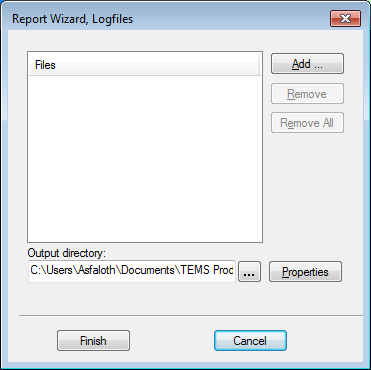
First, choose the logfile or logfiles on which to base the report. Click Add and browse for the files. Those that you choose are listed in the Files box.
Specify an output directory for the report. Enter a path, or click the button labeled "..." to browse your file system.
Now click Properties to assemble the contents of the report. A multi-tab dialog appears.